
AirReceiver AirPlay Cast DLNA
Advertisement
Screenshots
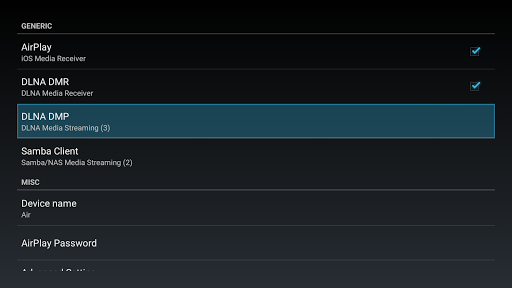
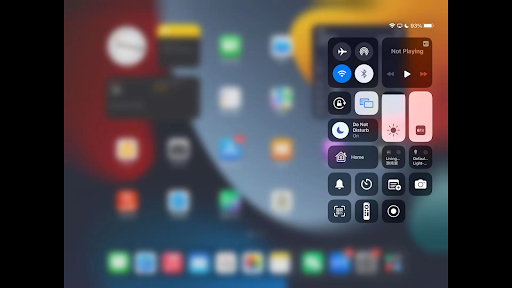
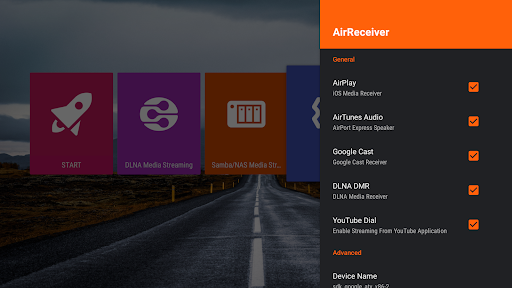
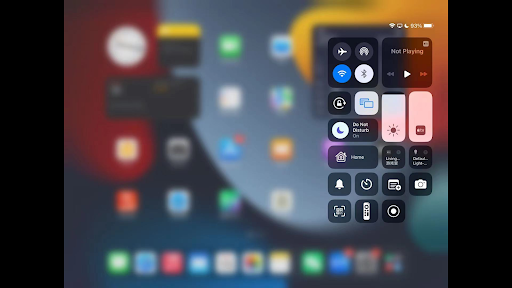
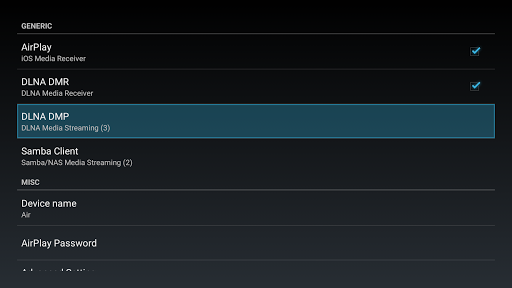
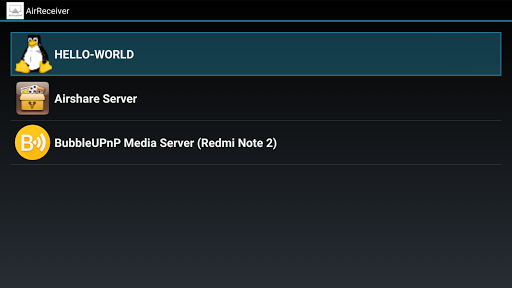
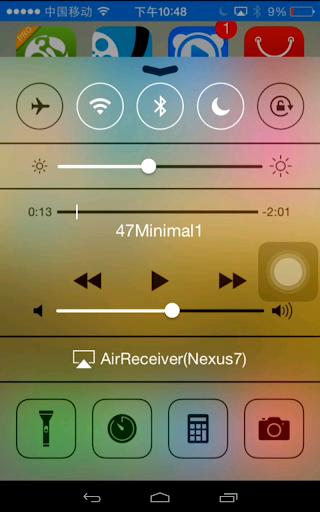
Advertisement
About AirReceiver AirPlay Cast DLNA
AirReceiver AirPlay Cast DLNA is really a super practical mobile application that helps you project videos, music, and photos on compatible devices as you like, such as smart TVs, stereos, etc. It's so convenient! As an Android application, its interface is particularly friendly and its functions are very reliable. It is stress-free and will not get stuck, and it is smooth and makes people feel happy. Whether you are leisurely at home or away from home, this app will bring you a smooth and comfortable media sharing experience and is definitely worth a try!
Overview
core functions
- This app supports seamless AirPlay screencasting, allowing users to stream high-definition video directly to supported devices. It's amazing!
- Compatible with the DLNA standard, you can easily share various media files between multiple devices on the same network without being so troublesome.
- Built-in multi-format media player, you can handle any format. It is extremely smooth to use and the experience is great!
- The interface is quite intuitive, device discovery and connection become simple, and it is particularly convenient to use. It is really thoughtful design.
- Support real-time synchronization and remote control, making video playback more flexible and operation more user-friendly.
- Offline media can also be accessed. Even without the Internet, this application is still reliable and practical!
- Support multiple screen resolutions, whether it is a large screen or a small screen, to ensure the best viewing experience.
Who is this App suitable for?
This mobile app is especially suitable for friends who like technology, watch videos, or enjoy while playing at home. Especially for those who just want to simply screen and don't want to mess with a lot of settings, they will find it particularly convenient.
Whether you want to share photos and videos at home or display content at meetings, this Android app makes it easy. It is designed to take into account users who like simplicity and quality, so that you can use it smoothly and easily.
Why choose this app?
This Android app is quite good because its functions are quite reliable and can make the screening experience smooth and trustworthy. Whether it's projecting screens or organizing media content, it can help you handle it. It's a universal tool.
It is user-centered design, supports rich media formats, can solve those worries in daily sharing, and is smarter and easier to use than other similar software on the market. Quality and simplicity of operation are emphasized, and every time you use it, you can bring a satisfactory experience.
Top Recommended Alternative
Pros & Cons
Pros
- Seamless AirPlay and screen casting support
- Widely compatible DLNA
- Particularly intuitive interface
- High-quality streaming experience
- Regular updates and improvements
Cons
- Free features are limited
- Occasionally disconnected
- Compatibility issues with certain devices
- Too few customization options
- Bug in sleep mode
Advertisement
Download AirReceiver AirPlay Cast DLNA

FAQ
How do I install and set up AirReceiver AirPlay Cast DLNA on my device?+
It's actually quite simple to install this AirReceiver AirPlay Cast DLNA mobile app and it's easy to use on Android devices. Once you download it, go from the Google Play Store, and then follow the simple guides inside step by step.
This application interactive interface is particularly intuitive and easy to use. There is no pressure to connect to your device and start projecting screens. It's very thoughtful. Whether you use it as a receiver or a media server, it can bring you a smooth experience. It's really good.
Is the AirReceiver AirPlay Cast DLNA safe to use? Will it reveal privacy?+
Of course, when developing this software, security and privacy came first. It is updated regularly to ensure compliance with safety standards and adoption of best practices. This application-based solution takes no risks in playing media content and does not have to worry about your personal information being leaked.
With this launcher, you'd better download it from a regular and reliable channel like the Google Play Store to avoid encountering counterfeit versions. Only in this way can you ensure that you are using the real product, protect your privacy well, and enjoy a stable and smooth experience.
What are the main functions of AirReceiver AirPlay Cast DLNA?+
This app supports AirPlay and DLNA protocols, which means you can easily cast videos, music, and photos from your phone to a supported smart TV or other device. It also supports screen projection, turning your Android into a full-featured media receiver.
With these rich features, you can enjoy a smooth experience even if you don't have additional hardware. For those who want to improve their media sharing capabilities and have fun on their Android devices, this app is a treasure.
Can I use AirReceiver AirPlay Cast DLNA as a launcher on Android devices?+
This is mainly used for media streaming and screen projection, but in fact it can also be used as a media-centered initiator. It can turn your Android into a super powerful media receiver, allowing you to quickly control content, which is super convenient.
This application-based solution simplifies multimedia management and enjoyment, turning your Android device into an entertainment artifact. The interface design is also quite friendly. Whether you are a novice or a veteran, you can have fun using it and the experience will be better.
Can this app connect multiple devices at the same time?+
Yes! AirReceiver AirPlay Cast DLNA supports multiple devices connected at the same time without being damaged. Multiple users can project screens from different devices at the same time without being stuck halfway. This is especially convenient at family gatherings or office sharing.
It is designed to be reliable, smooth playback without stress, and simple device management. You can use it with confidence. It's no problem to screen multiple devices at the same time, and the experience is absolutely smooth.
What should I do if I encounter problems, such as playing stuck or other problems?+
If you encounter problems with your application or screen card, you must first check your network connection. Stable Wi-Fi is the foundation for a smooth experience. Make sure your network is okay and try again when the connection is stable.
If it still doesn't work, then check to see if the software is the latest version. Application updates will generally fix some bugs and optimize performance. Rebooting or reinstalling the device may solve most problems and make the overall experience smoother.
Does this AirReceiver AirPlay Cast DLNA support all Android machines?+
Basically, most Android devices can be used and support systems above Android 4.4. No matter which brand or model of mobile phone tablet you use, this app can run relatively smoothly and is quite versatile.
In order to ensure performance and safety, it is recommended that your system and applications keep the latest version, so as to maximize its functions and ensure stable and safe use. After all, software gets better and better with it!
Can I use this app on a TV or other smart device?+
Of course! This application is compatible with various smart TVs and screen projection devices. Using a mobile phone to project screens is no longer a problem. It can also project your content from Android to various screens, which is as convenient as turning your phone into a remote control.
Supports multiple protocols, such as AirPlay and DLNA, with diverse scenarios and flexible use. Whether you are at home or at work, it is easy to use to project screens, and the overall experience is great.
Customer Reviews
Users generally praise AirReceiver as an effective and affordable AirPlay receiver that transforms Android TVs into Apple TV-like devices, with many calling it the best app for mirroring and streaming from iOS/Mac. It supports 4K AirPlay, DLNA, and works reliably on devices like Nvidia Shield and Xiaomi Mi Box. However, stability is a mixed bag: some users report frequent crashes and disconnections after updates, while others find it flawless for years. Compatibility varies—some enjoy seamless iOS 17 and Windows integration, but others face issues with Sony TV, Spotify, YouTube, or Android phones that previously worked. The mandatory paid version triggers complaints: the Lite version constantly prompts purchase, and some paid users encounter non-functional features, ads remaining, or refund issues. Functionality is strong overall, but missing features like subtitle loading from internet, HomeKit support, and hidden navigation bar in DLNA mode are noted. It's praised as a cost-effective alternative to Apple TV, but stability and compatibility remain concerns.
Write a Review
Share your experience with AirReceiver AirPlay Cast DLNA. Submissions are reviewed before publishing.
You Might Also Like
More apps you may want to try next.


