

AirMirror: TV Cast & Mirror
Advertisement
Screenshots




Advertisement
About AirMirror: TV Cast & Mirror
AirMirror: This app that projects screens to TV through AirPlay is really a practical mobile phone artifact. It can easily project your content on the big screen. Supports Android devices, and the operation is also very user-friendly and super convenient. Especially when you want to make videos or presentations cooler, it is like a portable projector. This app really helps you improve your entertainment and work performance. Without it, you would probably lose a lot of fun and efficiency!
Overview
core functions
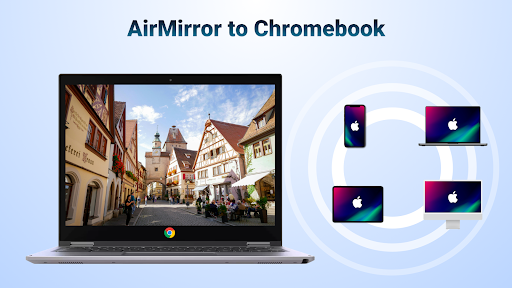
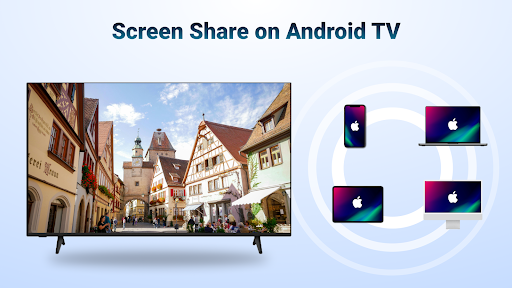
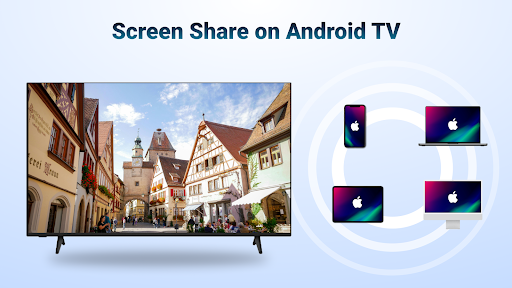
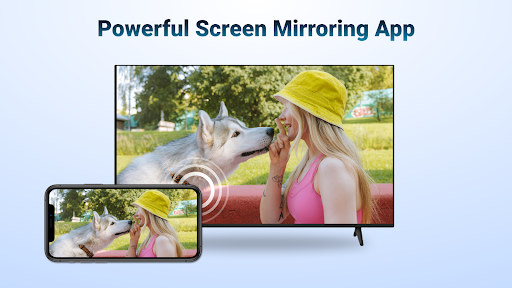
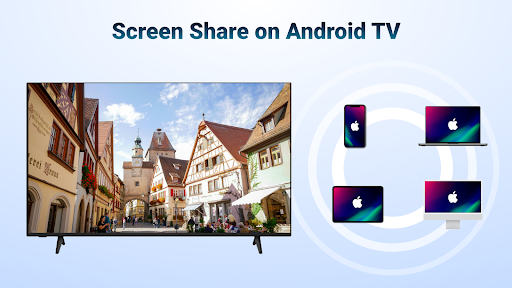
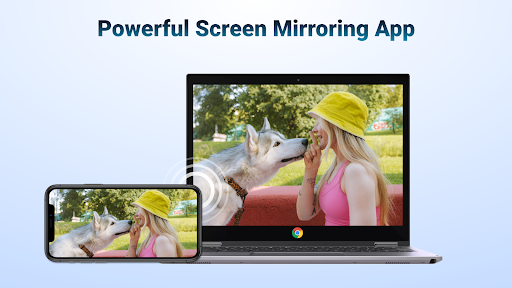
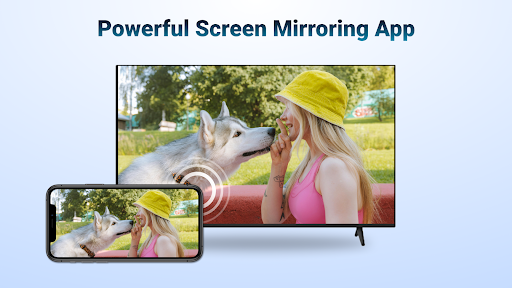
- Support AirPlay or Chromecast to seamlessly project the picture of your phone or tablet onto the large screen, which is quite convenient.
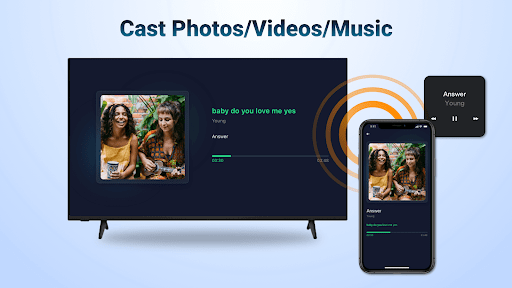
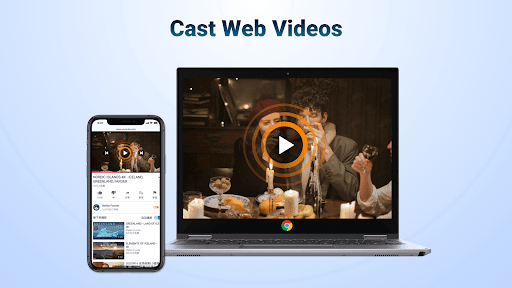
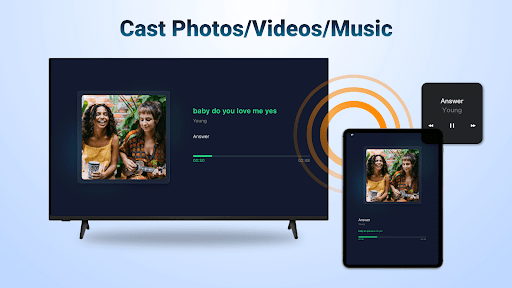
- You can play videos, photos, and music simultaneously in real time. The picture is very smooth and feels very smooth to use, improving the entire APP experience.
- There is a super simple launcher app that makes it easy to connect devices and manage media. It's done in a few steps.
- It also comes with a media player that supports multiple formats. The content can be seen at a glance, and there is no need to install an additional player.
- The connection is very stable, the latency is low, and there is no jam at all when playing, allowing you to have more fun.
- The interface is particularly intuitive and can be done without too much trouble. It is especially suitable for novices or people who don't like cumbersome operations.
- It can also connect multiple devices at the same time, allowing everyone to control or share content. It is suitable for family gatherings and friends gatherings.
Who is this app suitable for?
It is suitable for technology-savvy users, home entertainment enthusiasts, and professionals who need a reliable mobile media sharing and screen projection tool.
Whether you want to watch a movie online, share photos at a party, or do a slide show, this APP-based solution can help you easily and make media transfer fast and easy.
Why choose this app
What is quite attractive about this Android app is that it is easy to use and has comprehensive functions. It is very easy to use, is not easy to make mistakes, and can also solve many common stuck disconnection problems.
Combined with diverse media support and the convenience of device management, this launcher gives you a reliable and convenient screen mirroring option, making your entertainment settings more efficient and happier.
Top Recommended Alternative
Pros & Cons
Pros
- Seamless AirPlay integration
- High-definition smooth playback
- Simple and user-friendly
- Support multiple media formats
- Very stable connection
Cons
- Limited compatibility
- There may be delay issues
- Sometimes the connection gets disconnected
- Fewer customization settings
- You need Wi-Fi
Advertisement
Download AirMirror: TV Cast & Mirror

FAQ
How do I install and set up AirMirror: TV Cast via AirPlay on my device?+
Hey, installing this AirMirror: TV Cast via AirPlay is actually quite simple. Just find it in Google Play and use it as a media streaming application on the Android platform. After installing it, open it and follow the instructions on the screen to connect your device to a TV or compatible device.
Whensetting up, remember to keep both devices in the same Wi-Fi environment so that the operation can be smooth. It has several highlights: it is easy to realize screen mirroring and media streaming, and the experience feels very smooth. It can be regarded as a very reliable media delivery assistant.
AirMirror: TV Cast via AirPlay is safe to use? Will there be viruses or malware?+
This mobile application is actually very careful to protect user safety. The developer abides by the rules of Google Play, the user experience is relatively reassuring, and the reviews are quite good. Everyone says it is quite reliable.
Ofcourse, if you want to keep your device safe, the most basic thing is to download and install application software from official channels, and then update the security software regularly, so that risks can be minimized. Developers will also continue to push updates, not only fixing vulnerabilities, but also adding new features to ensure security.
What are the main functions of AirMirror: TV Cast via AirPlay?+
This Android app brings a lot of practical features, such as high-quality screen mirroring, smooth multimedia streaming, and easy connection to smart TVs that support AirPlay. The interface design is very intuitive, especially handy to use, and the experience is very good.
Itworks well for both casual users and tech geeks as a reliable starter that can greatly enhance your home entertainment experience. Moreover, it is relatively lightweight, high in operation efficiency, and not easy to consume equipment resources. It is simply a good helper for peace of mind.
Does this app support connecting multiple devices? How many screens can I cast at the same time?+
Of course it is supported. You can connect multiple devices at the same time, and it is also easy to switch screens. This is too friendly for multiple devices at home to take turns to screen or perform demonstrations. You don't have to reconnect each time, just switch between devices directly.
Usingthis APP and combining it with other applications can make your multi-device streaming more flexible and reliable, and the compatibility is quite good. Basically, it can be used on Android devices. Who likes to screen multiple devices at the same time? It's a powerful weapon.
Can I use AirMirror: TV Cast via AirPlay without using the Internet?+
If you want to use it fully, you usually have to connect two devices to the same Wi-Fi. Basically, you have to be connected to the Internet to work smoothly. However, some functions may still be available on a local area network (without the Internet), depending on the settings and device support.
Ifyou plan to use it as a screen projector or launcher in your home, make sure in advance that your devices are connected to the same local area network to ensure smooth operation and media streaming will be no problem.
How is the experience using this APP? Is it smooth?+
It's actually quite smooth to use, the interface is friendly, the control is simple, the screen projection and playback are very intuitive, and the software is designed carefully, so you don't have to worry about getting stuck or being dropped. The operation is like cooperating with a good partner, and the experience is quite stable.
Madeby some experienced developers, it has stable performance and reliable connections. It can be used as a good assistant for screen projection. If you want to find a one-click screen projection tool, this is quite recommended.
Does this AirMirror: TV Cast via AirPlay support iOS devices, or is it only for Android?+
At present, it is mainly optimized for Android devices, and the experience is quite complete. There is no clear news about iOS compatibility for the time being, but it is basically compatible with the Android ecosystem.
Ifyou are an Apple user and want to use screen projection or mirroring, it is recommended to find a similar application designed specifically for Apple to ensure smooth use and a better experience.
What should I do if the connection cannot be connected or there is a streaming error?+
If there is a problem, the first step is to check whether the devices are all on the same Wi-Fi network. Rebooting devices and apps can usually solve some minor problems. It's also important to make sure the software is the latest version, sometimes errors caused by version issues.
Ifthe problem persists, you can check official help or contact customer service support. After all, this APP is quite trustworthy, and the developers have provided many solutions, so it is not too difficult to solve problems when encountering problems.
Customer Reviews
AirMirror: TV Cast & Mirror has received mixed feedback. Many users appreciate its simplicity and effectiveness, noting that it seamlessly mirrors iPhone to Android TV with smooth, high-quality streaming for videos, presentations, and games. Some describe it as excellent, outstanding, and the top choice. However, a significant number of users report serious issues: the free version is buggy and limited to 10 minutes, the app frequently crashes, fails to function, or is described as fake and worthless. While some find it works perfectly, others experience constant bugs and forced payments for non-working features. Overall, the app delivers reliable performance for some, but stability and free-tier limitations are major concerns.
Write a Review
Share your experience with AirMirror: TV Cast & Mirror. Submissions are reviewed before publishing.
You Might Also Like
More apps you may want to try next.


