
AirDroid Parental Control
Advertisement
Screenshots


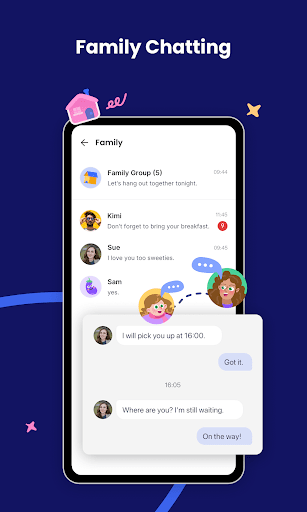
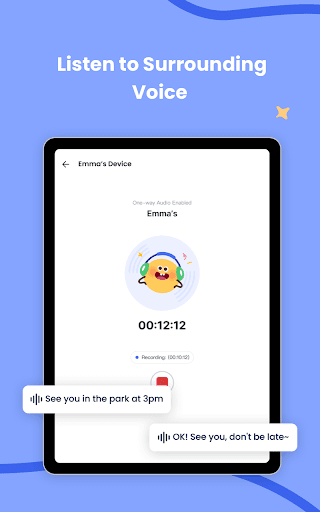
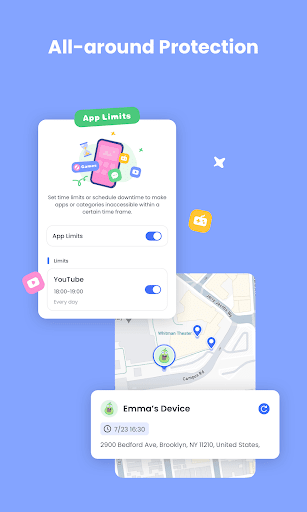
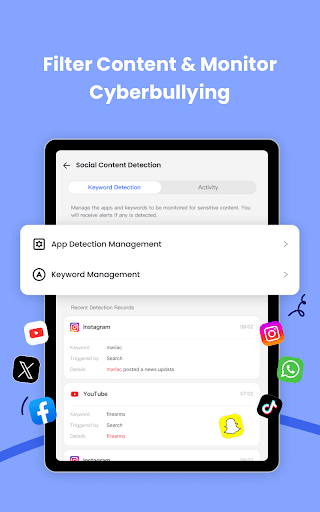

Advertisement
About AirDroid Parental Control
Overview
core functions
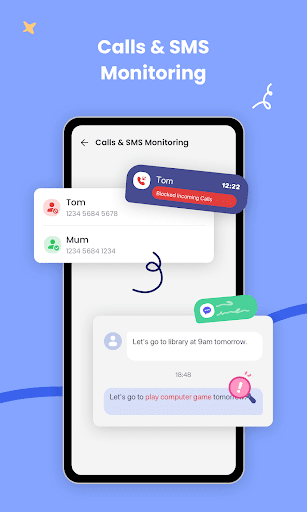
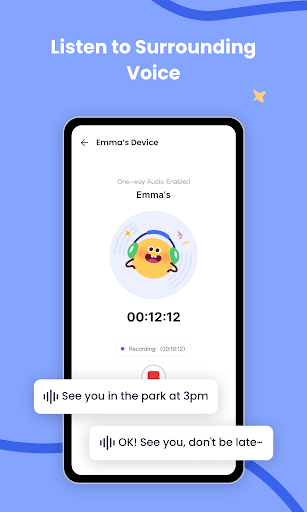
- Real-time monitoring allows parents to understand their children's use of devices as soon as possible, as if they were around them.
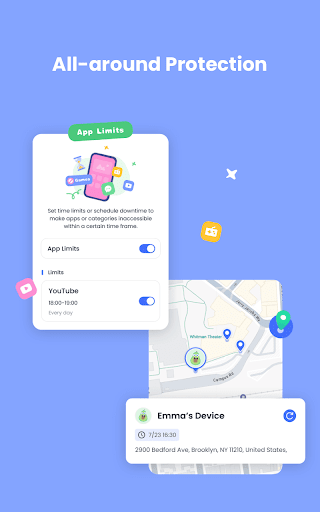
- There is a screen time management function in the app, which can set the daily usage limit to help you better control it.
- The remote management feature allows parents to use their own devices to restrict or block specific applications, saving trouble and convenience.
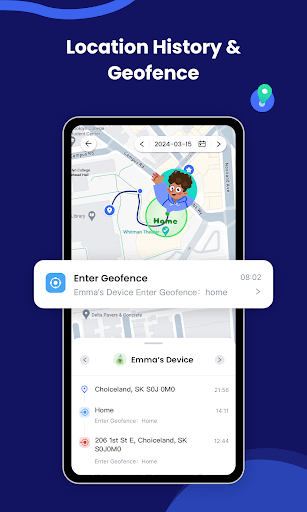
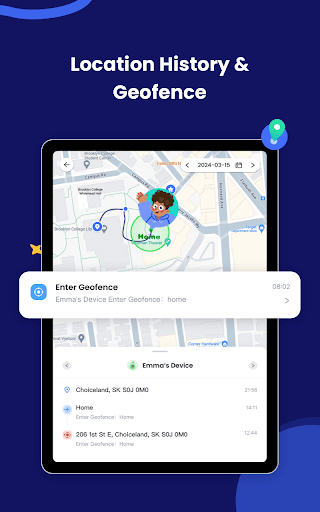
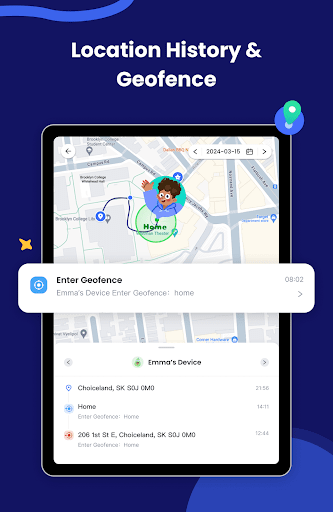
- It can also locate and track to ensure the safety of children. There will be accurate real-time updates every time, which makes you feel much more at ease.
- You can also schedule periods when your device is not in use, encourage healthy habits, and avoid being addicted to the screen.
- The operating interface is very intimate and easy to use, so you can easily get started no matter what your skills are.
- This Android software is also used as a launcher, making it particularly easy to use, and parental controls can be turned on at any time.
- Detailed usage reports allow parents to clearly see how their children play, and have more basis for developing habits.
Who is suitable for?
This mobile phone software is especially suitable for parents, guardians or caregivers. It can be used by anyone who wants to effectively understand their child's mobile phone use.
It is especially suitable for families who want to use APP to cultivate their children's healthy digital habits and ensure online safety.
Why choose it?
This Android app is characterized by rich features that allow you to control your child's device use with peace of mind, worry-free and reliable.
The interface is intuitive and simple to operate, and it solves various concerns of parents. It is an ideal choice for people who want to use software to manage their children's mobile phones and tablets.
Top Recommended Alternative

Pros & Cons
Pros
-
Real-time monitoring and activity reporting
-
Comprehensive application management capabilities
-
Location tracking and geo-fencing
-
remote device control
-
Friendly interface and simple operation
Cons
-
Occasionally, connection will not be possible
-
Notification reminder function is not flexible enough
-
Continuous monitoring may consume electricity faster
-
It will get stuck after using it for a long time, and sometimes it will react slowly
-
Some features require a paid upgrade
Advertisement
Download AirDroid Parental Control
FAQ
Is the AirDroid Parent Control app safe to use? +
Well, AirDroid parental control is for user safety and privacy considerations. It uses encrypted connections and data protection to protect your children's privacy, and also ensures that your monitoring process is secretive and reliable, and does not appear to be explicit or discovered.
Asan experienced application in the parenting category, it strictly abides by privacy regulations, pays attention to checking permissions and updates it in a timely manner to ensure that it is used with confidence and practicality on your Android or other platform devices.
How to set up AirDroid parental controls for my baby? +
It's quite simple. First install this app on both your own device and your child's device, whether it's Android or other compatible device, and just follow its instructions to tie the two devices together.
Themain functions include real-time positioning, application management, and usage monitoring. With these functions, you can basically easily solve children's screen time and Internet safety issues, especially with this launcher, you can better control everything.
Can I monitor my child's movements remotely? +
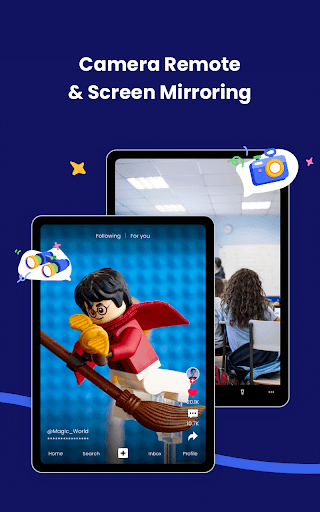
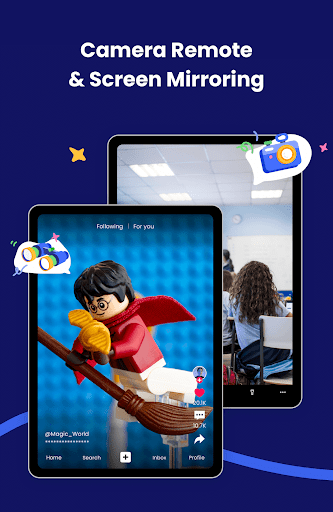
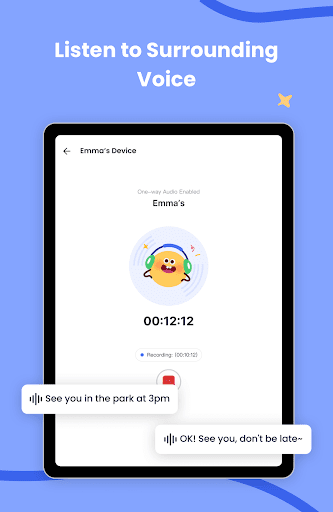
Of course you can. This AirDroid parental control lets you know what your child is doing remotely without having to stare at the screen. You can check app usage, screen time, browsing history, etc., all easily from your device without having to sit next to your child's device and stare.
Thisapp is particularly friendly to busy parents, giving them peace of mind and always knowing what their children are doing on their mobile phones. Remember that both devices must be connected to the Internet so that information can be synchronized in real time.
What functions does AirDroid parental control have? +
The basic functions are to control screen time, block bad applications, locate and track, and monitor browsing history. These tools can help you create a safer network environment for your children, are easy to operate, and are suitable for all parents.
Theinterface is simple and easy to use, quick response, and managing children's online world has become particularly straightforward. Whether on Android devices or as a launcher, it works smoothly and can help you manage your child's devices properly.
Does AirDroid parental controls support iPhone and Android? +
Of course, this app supports both Android and iOS systems. You can download it on Android using Google Play, or you can find it on your iPhone from the Apple Store. Good compatibility means that no matter what device your child uses, you can control it.
Whenchoosing a parent-controlled application, compatibility is really important. AirDroid parental control compatibility is good, regardless of whether it uses Android or iOS device monitoring, it is quite reliable.
Customer Reviews
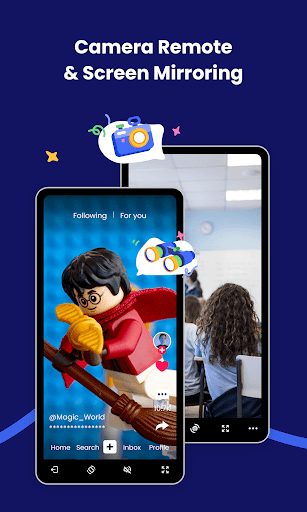
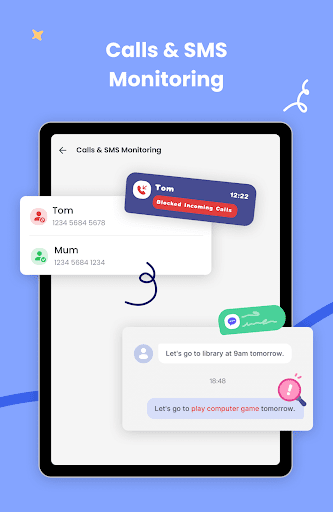
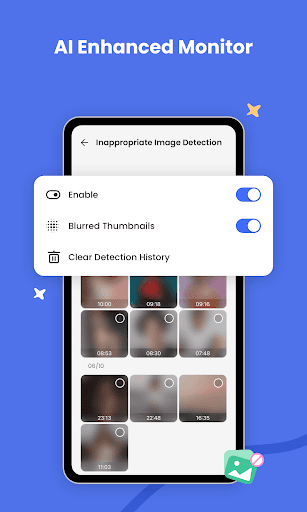
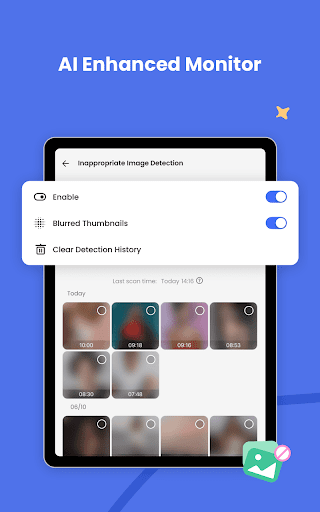
Users generally praise AirDroid Parental Control for its effective monitoring features, intuitive interface, and smooth performance, making it a valuable tool for managing children's device usage. Key dimensions: "Monitoring features" – positive feedback highlights live camera/voice feed and screen viewing; however, some users note that inappropriate image detection is unreliable (flags innocent pictures while missing real issues) and SMS detection lacks RCS support. "Pricing" – while many find the app useful, a notable complaint is that it is 'very expensive,' with one user requesting free access for a year. "User experience" is consistently commended for its clean design and ease of use. Overall, the app meets expectations for parental control, though the cost and detection shortcomings are common concerns.
Write a Review
Share your experience with AirDroid Parental Control. Submissions are reviewed before publishing.
You Might Also Like
More apps you may want to try next.