

AI Video Generator - Clips AI
Advertisement
Screenshots


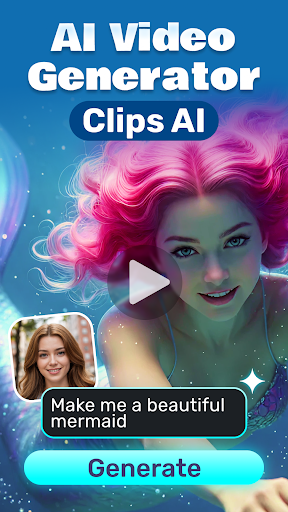
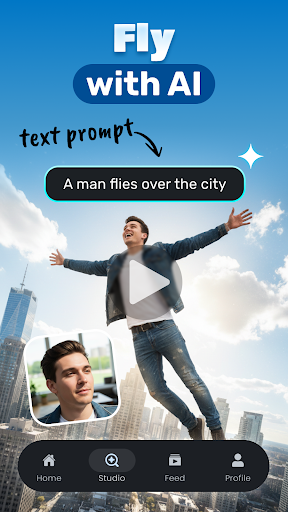
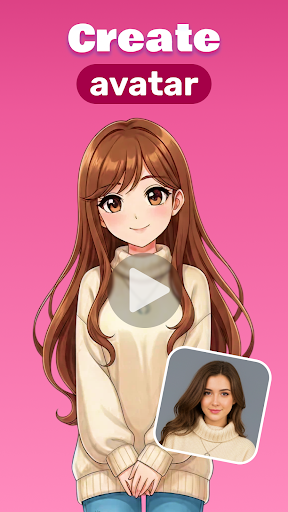

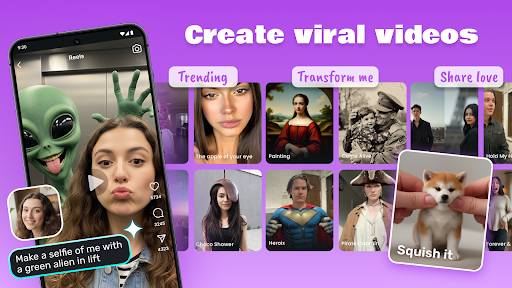

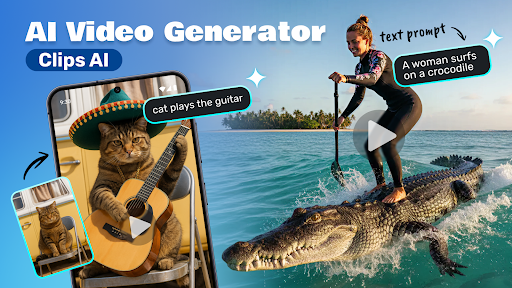
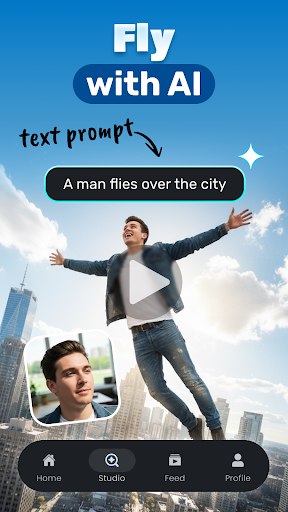
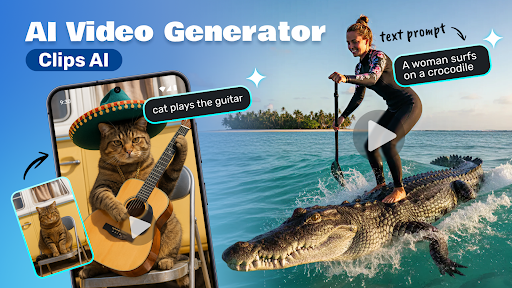
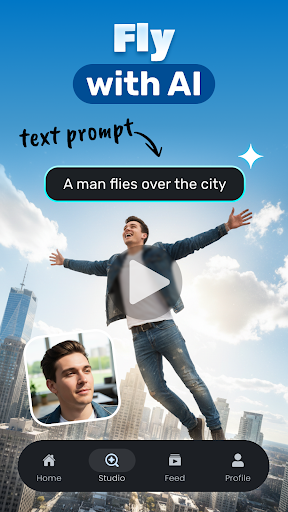
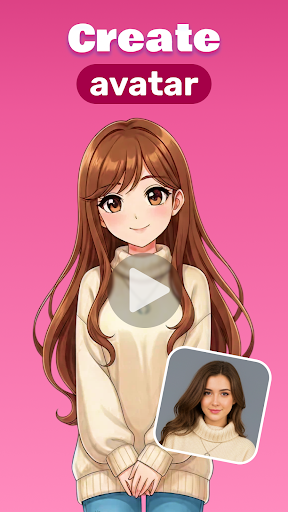
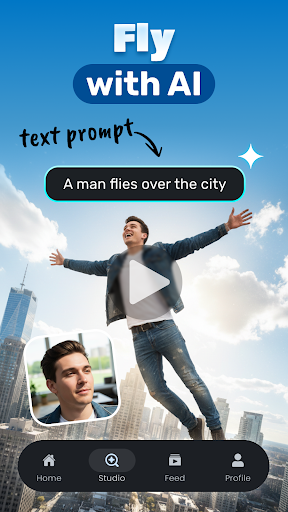
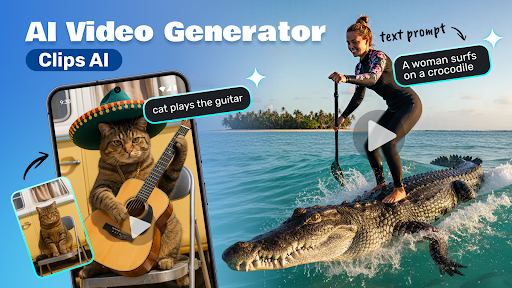

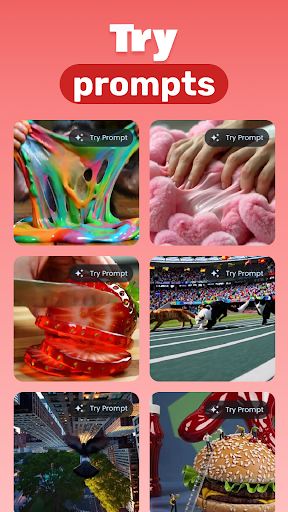
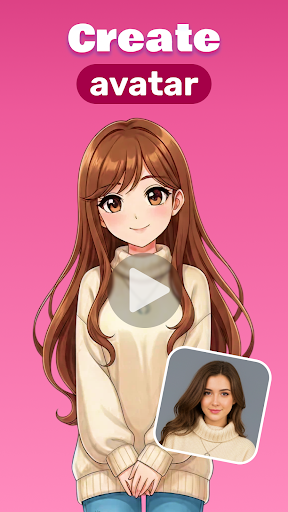
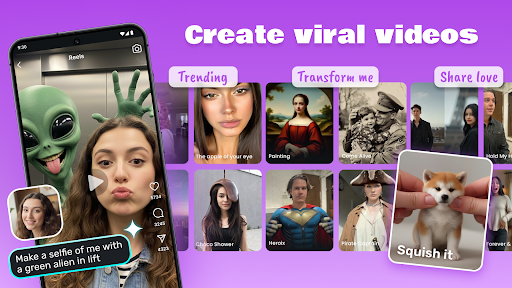
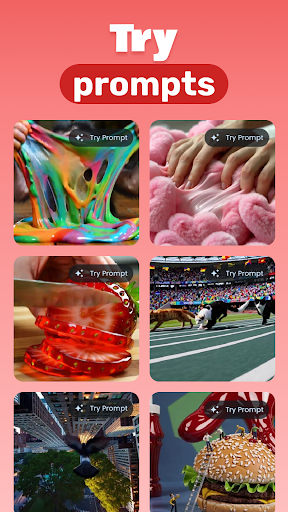
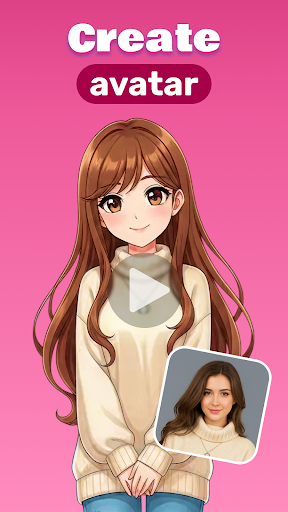
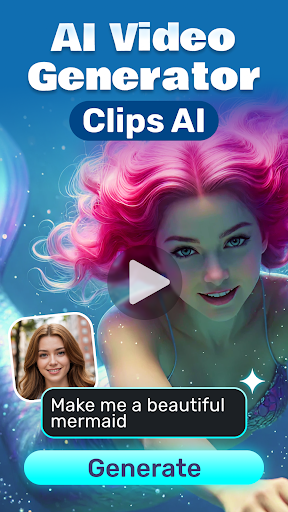
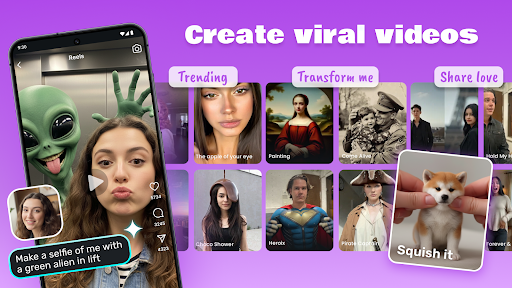
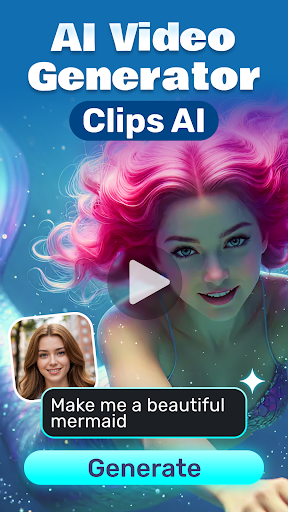

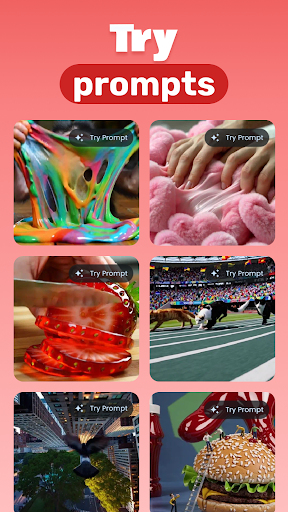


Advertisement
About AI Video Generator - Clips AI
Overview
core feature
- The intuitive video editing tool allows you to easily create professional clips in a few clicks, which is especially suitable for novices and lazy people.
- With the powerful functions of AI, you can automatically generate Short videos from the photos or clips you upload, saving time and effort.
- Provide a variety of styles and templates, allowing you to customize videos according to different artistic and design needs, and have any style you want.
- Support real-time preview and editing, making it easy to adjust, making the entire experience smooth and unforgettable.
- Offline mode can also be used. Android users can continue to create without using the Internet. It is really considerate and practical.
- High-quality export options make it easy to share directly to various social platforms, making it easy to show off your masterpiece.
- The interface is super friendly, whether you are a novice or a veteran, you can easily get started, and the user experience is very good.
- It also connects seamlessly with other applications to create a complete creative process that makes you enjoy it.
Who is this app suitable for?
This mobile app is specially prepared for friends who like DIY, love art and design. They are over 15 years old and like to express themselves through videos. It is suitable for both art projects and social content. It is especially suitable for those who want simple and powerful video production tools that can be done with an Android phone, which is super convenient.
Whether you are a social media celebrity, content creator, or amateur and want to create some artistic creation, this app can help you turn your brain into reality. It can handle various scenarios, such as fast-hand editing, professional projects, or just posting a small video. It is quite suitable and a good helper for many different needs.
Why choose this app?
The reason why this Android App is special is that it combines advanced AI technology and a super-friendly operating interface, allowing friends of all levels to experience the feeling of using it easily. Its innovative features simplify the production process, save time and energy, and allow you to easily transform into a video god.
Moreover, its reliable performance has long been verified by many users, and it can produce high-quality works. It can be regarded as the one worthy of confidence among many similar applications. With its simple interface and powerful functions, it basically solves all problems encountered in video editing and content creation, ensuring that you get satisfactory results.
Top Recommended Alternative

Pros & Cons
Pros
-
User-Friendly Interface
-
Fast Video Generation
-
AI-Powered Automation
-
Wide Range of Templates
-
Cost-Effective Solution
Cons
-
Limited Customization Options
-
Occasional Quality Inconsistencies
-
Slow Processing with Large Files
-
Template Variety Could Be Expanded
-
Limited Export Formats
Advertisement
Download AI Video Generator - Clips AI
FAQ
How do I get started with AI Video Generator - Clips AI? +
Getting started with AI Video Generator - Clips AI is actually quite simple. Once you download this mobile app and install it from the Google Play Store, you can open it, register an account or log in directly as a tourist. The interface is designed quite intuitive and guides you through all settings step by step.
This Android app is especially suitable for users who want to make stunning videos quickly. It is very friendly to operate and even novices can easily explore video editing and generation tools without professional experience, so it is a good choice, especially for friends who like to use their mobile phones to make videos.
Is AI Video Generator - Clips AI safe to use? +
Of course, AI Video Generator-Clips AI attaches great importance to user security and privacy. The app is updated regularly to ensure security and compliance with data protection standards. The safest way to do this is to download it from official channels, such as the Google Play Store, and you can feel more assured.
As one of the more reliable applications on the Android platform, its credibility is quite high. It's great that you can use it to make videos with peace of mind, know that your data is protected, and you can use features that increase the joy of creation.
Can I use AI Video Generator - Clips AI on my iPhone? +
Currently, this AI Video Generator-Clips AI is only available for Android in the Google Play Store. If you're using an iPhone, you'll have to look for another similar app, because this app doesn't have an iOS version yet. However, there are actually many apps with similar functions on the market that can also help you with video production.
If you want to use your mobile phone to make videos, remember to pick those that have good reviews and features that meet your needs to make sure you use them smoothly and reliably.
What features does AI Video Generator - Clips AI offer? +
This app has those advanced AI tools that are specially designed to help you easily make video production. It is especially suitable for users who want to quickly and easily edit videos on their mobile phones. With it, you can easily generate professional-filled fragments even if you don't need professional skills. The automated function helps you save a lot of work.
It also allows you to customize video effects, add special effects, edit and edit in just a few clicks. The dedicated functional design allows you to use it smoothly and easily produce eye-catching content. Whether it is used in social media, demonstrations or personal entertainment, it is very powerful.
Is AI Video Generator - Clips AI suitable as a launcher app or just for video creation? +
This AI Video Generator-Clips AI is mainly used to make videos, not a launcher-type application. Its focus is to provide powerful tools that allow users to easily generate and customize video content on their phones.
If you want to find a reliable app that specifically helps you create videos, this is definitely a good choice. Especially for users who want to get high-quality videos directly with their Android phones. This is convenient and professional to use, and there are no unnecessary complex operations.
Customer Reviews
AI Video Generator - Clips AI is widely praised for its user-friendly interface and smooth daily experience, with many users calling it “fantastic,” “excellent,” and “very useful.” Key strengths include ease of use and overall satisfaction, as most reviews highlight the app’s enjoyable and effective performance. However, opinions diverge on feature completeness: some users feel the app works well as-is and meets expectations, while others suggest it could benefit from additional tools like a to-do list to enhance functionality. There are also mixed views on payment requirements—some users accept them, while others express reluctance. Overall, the app delivers a positive experience, though a few users note that initial testing is needed to confirm its effectiveness.
Write a Review
Share your experience with AI Video Generator - Clips AI. Submissions are reviewed before publishing.
You Might Also Like
More apps you may want to try next.




