

AI Video Editor - VideoShow AI
Advertisement
Screenshots

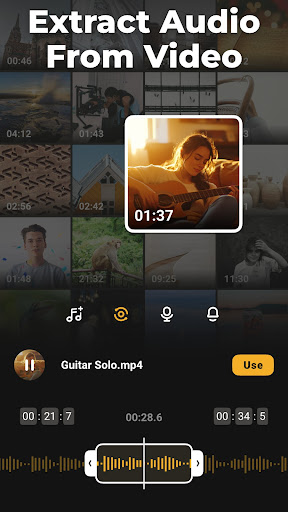
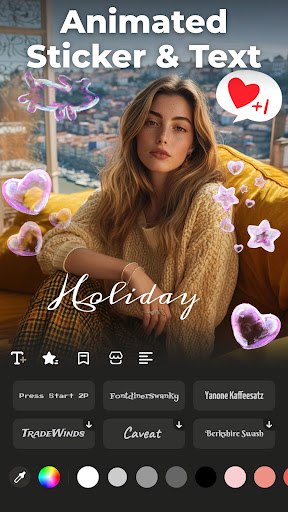
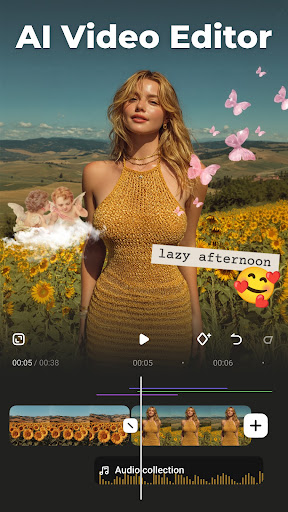
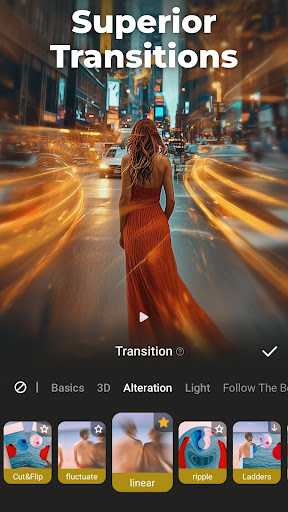
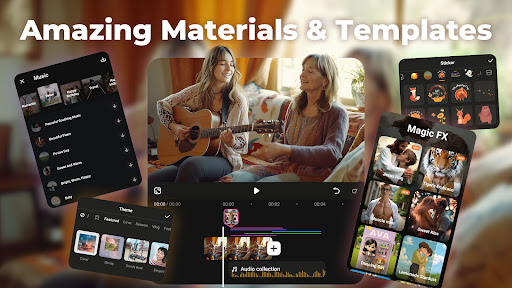
Advertisement
About AI Video Editor - VideoShow AI
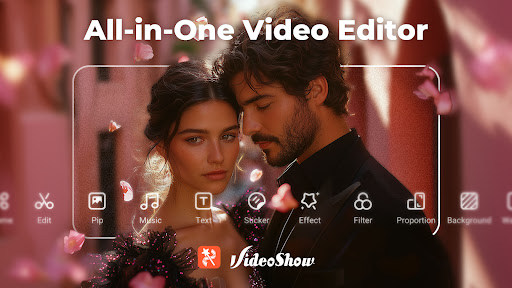
AI video editor-VideoShow AI is a very versatile mobile phone software that can be used by a fool. It is specially used to make videos. As an application for video players and editing tools on the Android platform, it combines powerful editing functions and a relatively friendly interface to make you operate smoothly. Whether you are a novice or a veteran who already has some experience, this software can bring you an intuitive and relaxing experience, allowing you to easily produce professional-level videos on your mobile phone. It's really satisfying.
Overview
core feature
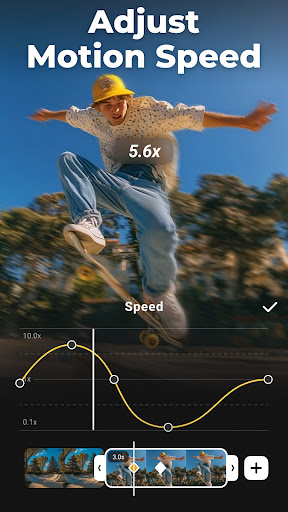
- This software has powerful video editing tools that can prune, splice, and add transitions to make professional videos. It is really awesome!
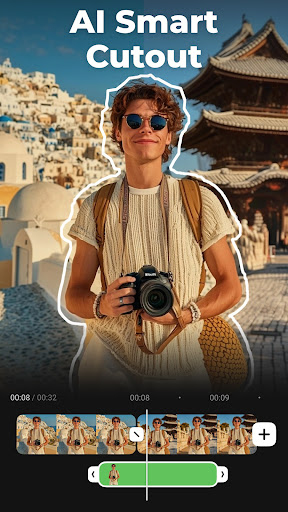
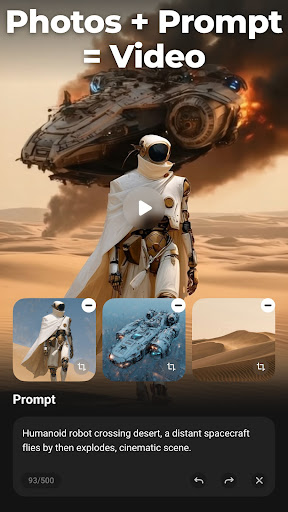
- The ultra-intuitive AI function automatically helps you improve image quality, adjust sound, and saves a lot of editing time. It's very considerate!
- The real-time preview function allows you to see the modification effects at any time. The editing is smooth and efficient!
- Supports various video formats and can also export high resolution to ensure perfect playback on different devices. It's so all-powerful!
- Built-in template library helps you easily create cool videos without having to start from scratch. It's so convenient!
- Offline mode edits videos anytime and anywhere, and you can play without requiring the Internet. It is especially suitable for using your mobile phone to catch up on work outside!
- The interface is super easy to use. Whether you are a novice or a veteran, you can easily operate it and the experience is super friendly!
Who is this software suitable for?
This mobile phone software is especially suitable for content creators, students, and friends who like to play Douyin and Fast Hand. They must be over 16 years old. If you want a reliable editing tool, it is really good to use on Android phones.
Whether you are in a hurry to make some Short Video and post them to a circle of friends, or are planning to make a long and large-scale production, this software can meet your various needs, from casual editing to professional-level ones. The operation is also very considerate, so easy to use!
Why choose it?
This Android software lacks everything. It is powerful, the experience is smooth, and the operation is simple. Editing videos becomes as easy as playing.
The interface is intuitive and comes with AI smart upgrades, saving time and effort. It has become the first choice for friends who want to use their mobile phones to create high-quality videos. It is really reliable!
Top Recommended Alternative
Pros & Cons
Pros
-
Intuitive AI intelligent editing tool
-
Automatic scene recognition and transition
-
High-quality AI effects and filters
-
Rapid rendering brought by AI optimization
-
Various video templates allow you to complete projects quickly
Cons
-
For advanced users, customization options are limited
-
Occasionally misjudge scene boundaries
-
The free version of the video will have a watermark
-
The audio editing function is basic
-
Processing large files or complex videos may get stuck
Advertisement
Download AI Video Editor - VideoShow AI
FAQ
Is AI Video Editor - VideoShow AI easy to install and set up? +
Does AI Video Editor - VideoShow AI support different video formats? +
Is my data safe while using this mobile app? +
Can I use AI Video Editor - VideoShow AI without an internet connection? +
What makes AI Video Editor - VideoShow AI stand out from other video editing apps? +
Is there customer support if I encounter issues with the app? +
Does AI Video Editor - VideoShow AI update regularly with new features? +
Is AI Video Editor - VideoShow AI suitable for professional video editing? +
Customer Reviews
Users generally praise AI Video Editor - VideoShow AI for its smooth performance, intuitive interface, and well-designed layout. Many highlight its ease of use and reliability for daily tasks, with a standout feature being the video-to-audio conversion. However, opinions are mixed on cost and functionality. While some appreciate the free version and beautiful output, others note that not all downloads (themes, effects, stickers) are free and suggest reducing the Android APK size below 100 MB. Additionally, although some users enjoy a seamless experience, a few report technical errors—such as restoration issues and ads appearing even after purchasing a lifetime premium subscription—indicating inconsistency in premium feature activation. Overall, the app is well-received for its core editing capabilities, but potential buyers should weigh the limitations on free content and occasional bugs.
Write a Review
Share your experience with AI Video Editor - VideoShow AI. Submissions are reviewed before publishing.
You Might Also Like
More apps you may want to try next.




