
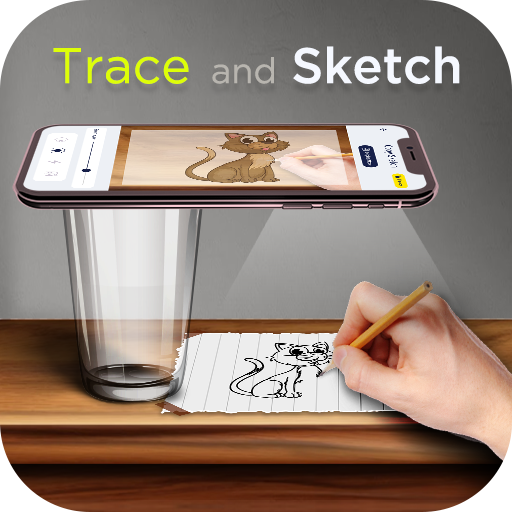
AI Drawing : Trace & Sketch
Advertisement
Screenshots
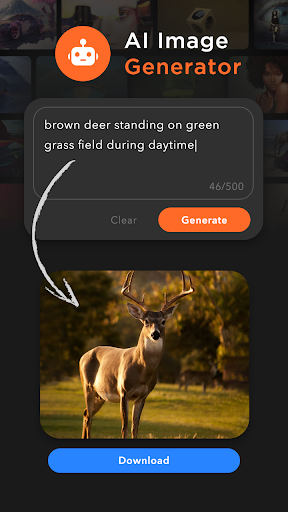
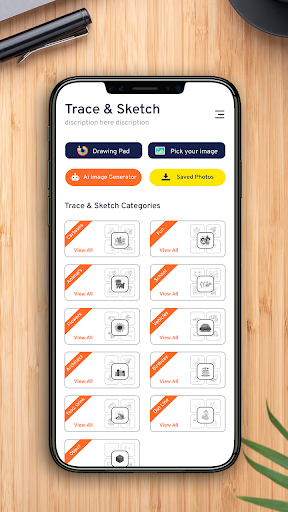
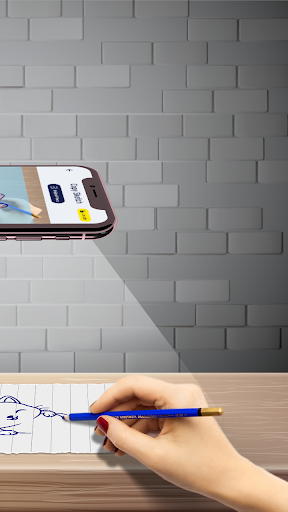
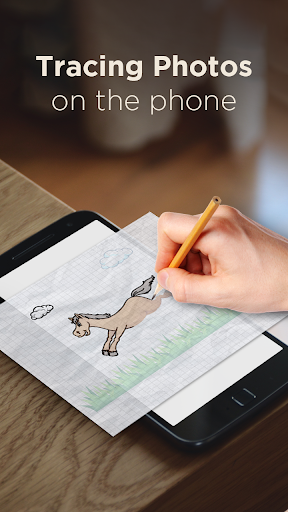
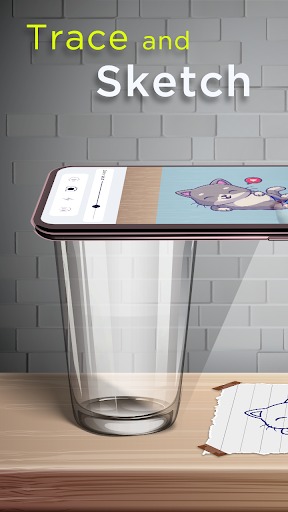
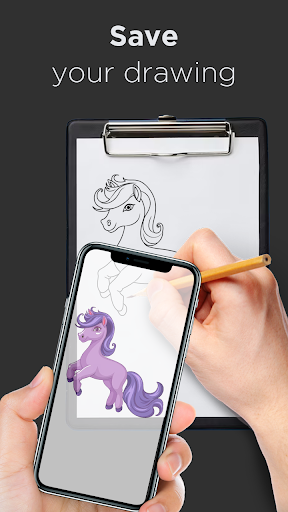
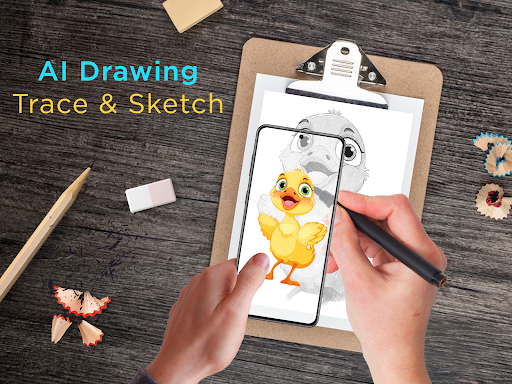
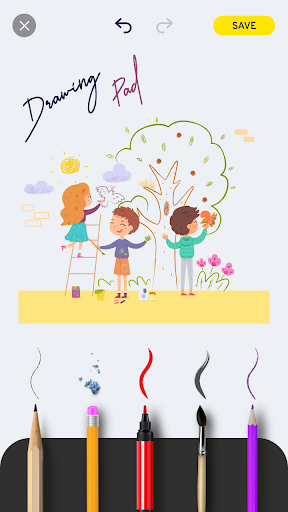
Advertisement
About AI Drawing : Trace & Sketch
Overview
core feature
- Operate ultra-intuitive drawing tools that support sketches, tracing and precise lines to help you create detailed works.
- Real-time editing can also be undone and redone at any time, which feels very easy to use and can be enjoyed by both professional painters and enthusiasts.
- Switch between multiple brush types at will, and it is easy to adjust parameters, allowing your work to be arbitrary and full of personality.
- Offline mode allows you to draw and save without the Internet. It is so reliable that you can create anytime, anywhere.
- The export method is very considerate. It can be shared directly on social platforms and saved in various formats. It is really convenient.
- Comes with tutorials, which are especially suitable for novices on the road. They can help you master basic skills and reflect its care and care for users.
- The interface can be adjusted by itself to adapt to different workflows, ensuring that it works smoothly on an Android phone or launcher.
- High-resolution output, supporting complex artistic details and professional-level sketches, is suitable for serious creators.
Who is suitable for using this App?
This mobile app is especially suitable for design students who have dreams of becoming artists or amateurs who like to be creative. They like to draw something anytime on their Android devices. It is simply a light and easy-to-use painting tool, especially suitable for busy people who like to express themselves.
Whether you are a temporary small work or a carefully polished illustration, this application-based solution can help you be creative and confident, and can be used smoothly by people of different skill levels and ages.
Why choose this App?
The advantage of this Android app is that it has a super friendly interface, powerful functions, easy to draw, and a great experience. Unlike other art applications, where tools are limited or cumbersome, it solves problems that are crazy to use.
With its rich features and focus on user experience, it becomes an ideal choice for artists looking for diverse, efficient, and easy-to-use drawing tools. In the art and design categories, it has always been at the forefront of the list for its practicality and careful design, and it is worth a try!
Top Recommended Alternative
Pros & Cons
Pros
-
Intuitive tracing and sketching tools
-
Rich art templates
-
HD output
-
Intelligent automatic tracking function
-
Regularly and continuously updated and optimized
Cons
-
Fewer customization options
-
Tracking is not always accurate
-
High requirements on equipment performance
-
Limited export formats
-
The learning curve is a bit steep
Advertisement
Download AI Drawing : Trace & Sketch
FAQ
Can AI Drawing : Trace & Sketch be used for free? +
How can I install AI Drawing : Trace & Sketch on my Android device? +
Is AI Drawing : Trace & Sketch safe to use? +
What are the functions of AI Drawing : Trace & Sketch? +
Can I use AI Drawing : Trace & Sketch as a launcher? +
Customer Reviews
The app is widely praised for its effectiveness in helping users trace and sketch, with many describing it as creative, fun, and useful for learning to draw faster. It is especially appreciated by students and hobbyists for its simple, intuitive design. However, the most common concern is the overwhelming number of ads—users report ads appearing every few seconds, blocking functionality and causing frustration. While some users still find the app good despite the ads, others find them intolerable. Performance is also mixed: many users experience smooth, reliable operation, but others face freezing, endless loops, blurry drawings, and occasional camera refocusing issues. The 'Pick Your Photos' feature often fails, and some users cannot access gallery images. Despite these drawbacks, a significant portion of users rate it highly, calling it excellent and indispensable for art creation.
Write a Review
Share your experience with AI Drawing : Trace & Sketch. Submissions are reviewed before publishing.
You Might Also Like
More apps you may want to try next.




